
Finding co-parenting communication software that documents incidents, schedules, and expenses without high cost or a legal learning curve remains a challenge. Most platforms lock critical export or backup features behind premium plans or lack focused tools for evidence collection in custody disputes. This comparison covers features, pricing, and workflow focus so co-parents can pick an alternative that matches both daily and court preparation needs.
Table of Contents
ReplyCalmly

At a Glance
A free response generator sits behind ReplyCalmly's paywalled documentation tools, with a full incident documentation tier at $19/month after a three-day free trial. The system produces calm, firm, and short reply variations for challenging messages. It also logs incidents, tracks expenses, and visualizes behavior patterns to support court preparation.
Core Features
ReplyCalmly includes an AI response generator that produces multiple court-safe reply styles so you can avoid emotional reactions. The platform offers incident logging with evidence attachment and a custody calendar plus child communication aids for day-to-day coordination. Pattern detection surfaces behavior trends over time and the system creates court-ready reports, expense summaries, and dashboards for organized documentation.
Key Differentiator
Built from personal high-conflict co-parenting experience, ReplyCalmly focuses on workflows specific to custody disputes and hostile exchanges. That background shaped the emphasis on calm, factual replies and structured incident records categorized for custody conflicts, manipulation, and false accusations. The result is a product tuned to collect the exact artifacts parents typically need for a legal review.
Pros
The free response generator offers immediate help when a tense message arrives and reduces the risk of reactive replies. Its evidence management and automated report generation cut the time needed to prepare documentation for hearings. Privacy is emphasized, and the platform integrates with existing court-mandated tools like OurFamilyWizard to keep accountability while not replacing those systems.
Cons
- Does not provide legal advice or replace professional legal services.
Who It's For
Parents involved in high-conflict co-parenting situations who need organized communication records, calm reply options, and legal-ready documentation will find this aimed at their needs. People preparing for custody hearings or tracking repeated violations will benefit most. The product functions as co-parenting documentation software rather than a substitute for an attorney.
Unique Value Proposition
A paid documentation tier at $19/month bundles incident logging, pattern detection, and court-ready summaries into one workflow. That pricing makes it practical to use the free reply tools day to day and upgrade when you need formal evidence collection. For busy parents, the tiered approach lowers the upfront cost of creating a consistent, shareable record for court use.
Real World Use Case
A parent receives an accusatory text late at night and uses the free generator to draft a calm, factual reply. They immediately log the message, attach a screenshot, and tag the incident as a custody conflict with notes on context. Ahead of the hearing, the parent exports a court-ready report showing repeated incidents and expense records.
Pricing
ReplyCalmly provides free access to the response generator and basic tools. The full documentation system costs $19/month after a three-day free trial, which unlocks incident logging, dashboards, expense tracking, and court-ready exports.
Website: https://replycalmly.com
Fayr
At a Glance
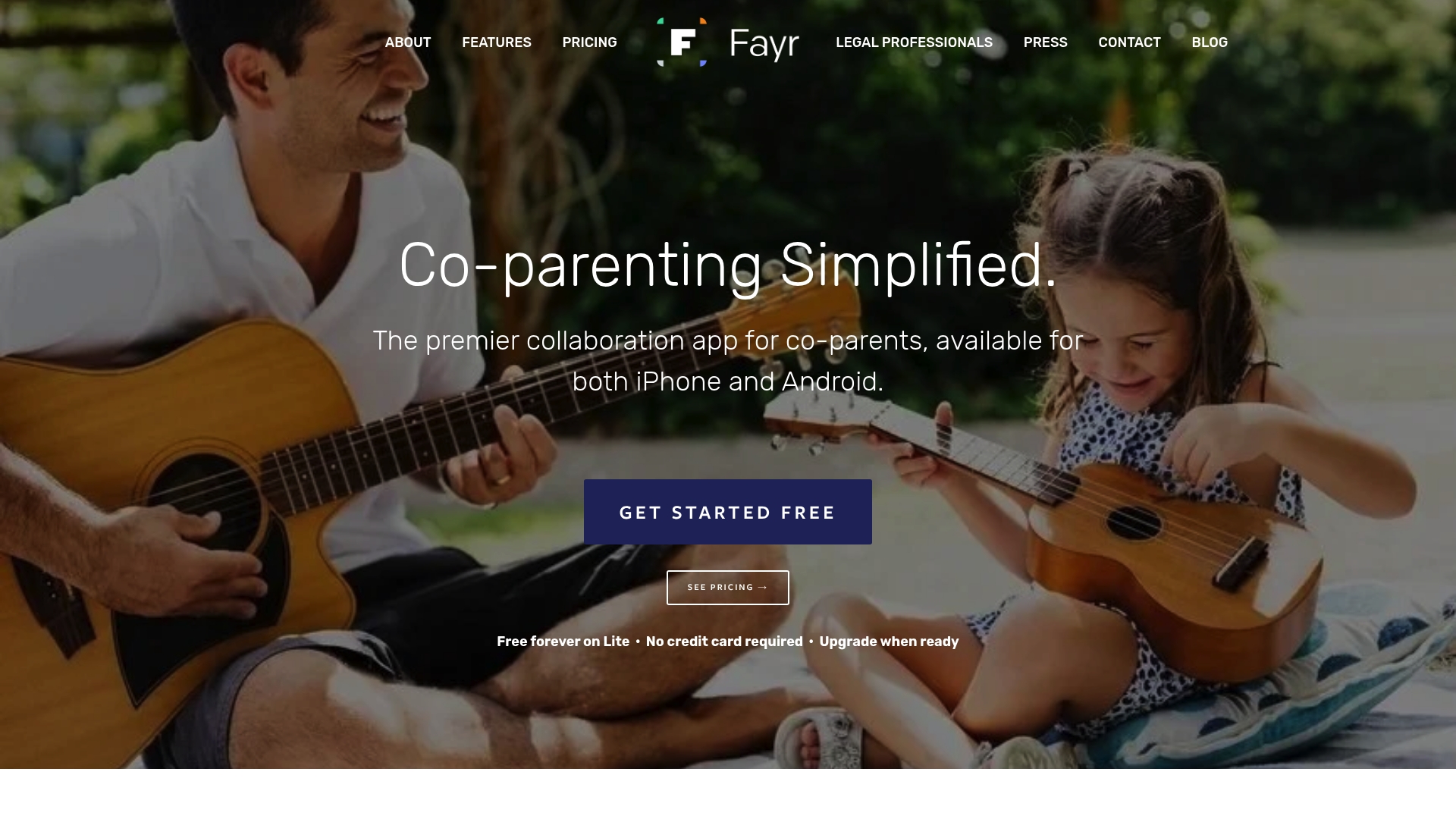
GPS-based location check-ins provide court-verifiable documentation for custody events. Fayr also offers a free forever lite plan, and a premium tier that adds advanced logging and private storage. Parents report using the app to reduce disputes by keeping a clear record of messages, expenses, and schedules.
Core Features
Fayr bundles a shared custody calendar, secure messaging, and an expenses tracker with receipt uploads in a single app. It produces court-admissible parenting reports and export options, and it captures GPS check-ins for verifiable location logs. The app includes a private file vault and a journal option in premium plans to collect documentation over time.
Key Differentiator
Fayr focuses on creating a fair, transparent, and emotionally supportive environment for co-parents, with tools aimed at legal documentation and court readiness. Its combination of messaging plus exportable reports targets families who need records for mediators or courts. That emphasis sets it apart from general family apps that lack court-ready reporting.
Pros
The free forever lite plan lowers the barrier to entry, and support for both iPhone and Android keeps families connected across devices. Built-in legal tools help generate reports you can export for mediators or a court, and the expense tracker simplifies reimbursements and receipts. The vendor positions the product as reducing legal costs by improving record keeping, and the GPS check-ins add an extra layer of verifiable data.
Cons
- No detailed user reviews are available to reliably assess real-world reliability and usability.
- Public-facing materials do not describe privacy and security protocols in depth.
- Premium features require a subscription, which may be a cost barrier for some families.
- User interface details and ease of use are not described extensively in vendor materials.
When It May Not Fit
If you need documented security certifications or an explicit privacy white paper, Fayr may not meet your requirements. If ongoing subscription costs are unacceptable for one or both parents, the premium feature set will feel out of reach. Organizations that require enterprise IT controls should look elsewhere because the app does not present enterprise governance details.
Who It's For
Co-parents who want a family-focused community platform that records schedules, messages, and expenses will find Fayr relevant. Family mediators and legal professionals recommending a tool that produces exportable reports can use it with clients who accept a subscription model. Guardians and advocates who need a shared place to collect documentation will also appreciate its focused feature set.
Real World Use Case
A divorced parent uses Fayr to log custody exchanges on the shared calendar, capture GPS check-ins for specific handoffs, and upload receipts after a medical appointment. The parent exports a parenting report ahead of a mediation session to highlight missed exchanges and expense disputes. That export becomes part of a clear, time-stamped record the mediator reviews.
Pricing
Fayr offers a free forever Lite plan for basic calendar, messaging, and expense tracking. Premium starts at $9.99/month or an annual billing option and adds GPS logs, a file vault, and a private journal for sustained documentation.
Website: https://fayr.com
2houses
At a Glance
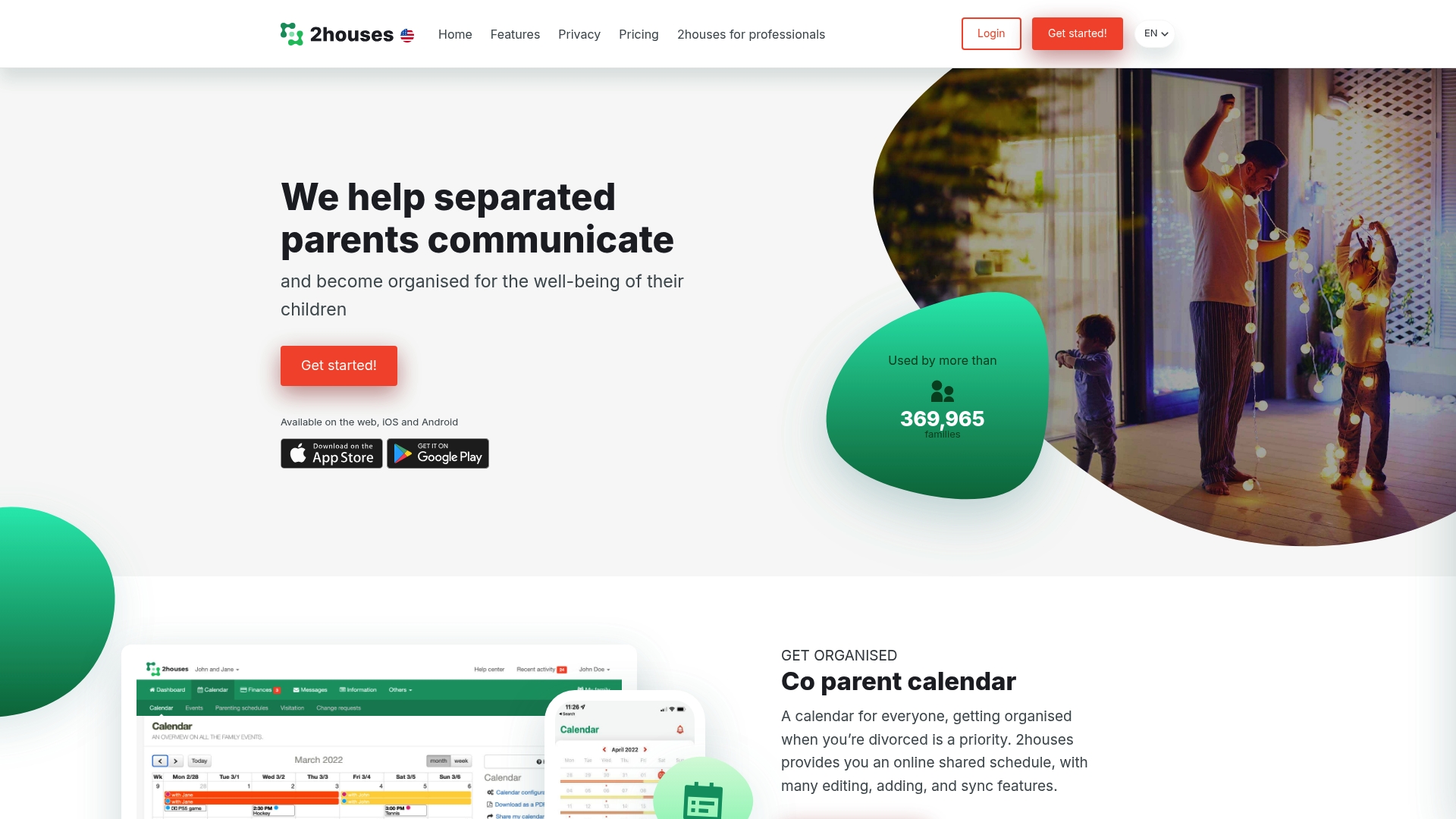
The annual subscription costs 99.00 €. That figure is billed as 8.25 € per month when paid yearly, and the service includes a 14-day free trial. The product targets separated and divorced parents who need a single app for schedules, expenses, and secure family communication.
Core Features
2houses bundles a shared co-parent calendar with sync options for external calendars, an expense management system for tracking and sharing costs, and a messaging tool for private parent-to-parent communication. It also offers a custody journal for photos and notes and an information bank for family and medical records that parents can share selectively.
Key Differentiator
The product focuses squarely on everyday co-parent logistics rather than on court-oriented communication analysis. Its feature mix centers on shared schedules, expense splits, and a centralized family record. That focus makes it a narrower fit for parents who want practical daily coordination rather than litigation-focused evidence tracking.
Pros
Specialized tools cover common co-parent tasks and reduce friction when exchanging schedules and receipts. The platform works on web, iOS, and Android, which keeps both parents synced across devices. Privacy protections and a jailed information bank keep medical and contact details contained, and the 14-day free trial lets families test core features before committing.
Cons
- Trustpilot reviews indicate potential issues with user support, and some reviewers report bugs in the app.
- Pricing may feel high for parents who only need a simple calendar or occasional expense tracking.
- Some users report difficulties with certain features, and syncing issues have been mentioned.
When It May Not Fit
Parents who require formal legal scheduling tools or court-ready documentation may need a different system. The product has limited offline functionality, and that restriction can hurt parents who lack constant internet access. Families that need advanced legal export formats should plan for a separate workflow.
Notable Integrations
2houses connects with common calendar systems including iCal, Google Calendar, and Outlook. The calendar sync lets you export or subscribe to events in third-party apps and keeps custody schedules aligned across devices.
Who It's For
Separated or divorced parents who need a single place to coordinate daily parenting plans will benefit most. Parents who share expenses and who prefer a private, mobile-capable app for updates and records will find the tool useful. It also suits families that want to avoid email chains and scattered receipts.
Real World Use Case
A divorced couple uses 2houses to keep custody dates synchronized and to record shared expenses for school fees and activities. One parent uploads a receipt, the other confirms payment, and the calendar updates automatically. The custody journal stores short notes and photos that both parents can reference.
Pricing
Subscription is billed annually at 99.00 €, shown as 8.25 € per month when paid yearly. A 14-day free trial is available so parents can verify calendar sync, expense tracking, and messaging before subscribing.
Website: https://2houses.com
Comparison of alternatives
Among the diverse tools available to facilitate co-parenting through improved communication, ReplyCalmly distinguishes itself by excelling in compiling legal-ready documentation for custody hearings. Its feature set and pricing tier underscore a commitment to helping parents manage high-conflict co-parenting scenarios effectively.
Workflow Optimizations
ReplyCalmly offers unique functionalities such as AI-powered response generation tailored to maintaining calm and legally appropriate communication. Its tools support incident logging and evidence categorization, making them directly useful in custody disputes. Meanwhile, Fayr’s inclusion of a GPS-based location logging system offers functionality for tracking the physical custody exchanges critical during high-conflict situational mediation. On the other hand, 2houses focuses on day-to-day co-parenting needs, such as shared scheduling and expense management, making it perfect for routine management without legal implications.
Feature Evolvability
Fayr provides excellent value for families with its completely free plan, enhancing accessibility for those hesitant about premium subscriptions. Simultaneously, 2houses excels in its extra synchronization features, integrating with external calendars such as Google Calendar and iCal. ReplyCalmly’s focused approach on legal documentation gives it an edge for users requiring in-depth evidence preparation.
Best fit
- Parents in high-conflict custody situations requiring legally sufficient documentation will benefit most from ReplyCalmly's incident logging, behavioral pattern tracking, and court-ready report generation.
- Divorced parents seeking location-based verification of custody exchanges to resolve disputes will appreciate Fayr’s GPS-enhanced logs.
- Parents primarily needing routine coordination tools without legal features will find 2houses’ scheduling and expense-sharing functionalities to align well with their co-parenting needs.
Our pick
ReplyCalmly provides an ideal solution for parents deeply involved in custody disputes requiring well-documented evidence and structured communication to navigate complex legal scenarios effectively. While Fayr and 2houses offer practical tools for co-parenting operations, ReplyCalmly excels as a targeted solution for managing complex, high-conflict relationships with efficiency and precision.
Choose the platform that provides the most focused tools for managing high-conflict co-parenting scenarios.
| Product | Key Features | Pricing | Best For | Limitation |
|---|---|---|---|---|
| ReplyCalmly | AI replies, incident logging, court-ready exports | $19/month after free trial | Parents in custody disputes | Does not offer legal advice |
| Fayr | GPS check-ins, shared calendar, expense tracker | Starting at $9.99/month | Co-parents requiring court-admissible records | Limited privacy details openly documented |
| 2houses | Calendar sync, expense management, custody journal | €99/year (8.25 €/month) | Divorced parents needing practical coordination | Can lack advanced legal export functionalities |
How to Manage High-Conflict Co-Parenting Communications More Effectively
Parents involved in high-conflict co-parenting often struggle with emotional messages and the need to document interactions for court. The challenge lies in responding calmly while building a clear record of custody conflicts, manipulations, or false accusations. Replycalmly offers tools designed exactly for this purpose. Its AI-powered response generator helps you create calm, firm replies that avoid escalation. At the same time, its incident logging and pattern detection build court-ready reports to support your case.
Key advantages of Replycalmly include:
- Generating multiple response options tailored for custody disputes
- Categorizing incidents and visualizing behavior patterns
- Integrating with court-mandated tools like OurFamilyWizard
Visit Replycalmly to see how its communication and documentation system lets you respond thoughtfully and keep a well-organized record. Start using the free response generator and upgrade to incident tracking to prepare clear evidence before your next hearing.
FAQ
What features does Replycalmly offer for co-parents?
Replycalmly generates calm, firm reply variations to challenging messages. Its AI response generator produces multiple court-safe reply styles, making it easier to manage emotional interactions during custody disputes.
How does Replycalmly compare to Fayr in terms of features?
Fayr provides GPS-based location check-ins and a shared custody calendar, which helps parents keep track of events with verifiable data. Replycalmly, on the other hand, specializes in generating calm replies and detailed incident logging specifically for custody conflicts, making it more suitable for those focusing on legal documentation.
Can I use Replycalmly for incident logging?
Yes, Replycalmly includes incident logging with evidence attachment, allowing users to maintain organized records of communications and interactions related to custody disputes. This feature is particularly useful for preparing court-ready reports and expense summaries.
What is the pricing structure for Replycalmly?
Replycalmly costs $19/month after a three-day free trial for full access to its documentation tools, including incident logging and pattern detection. This pricing enables parents to have organized communication records while minimizing upfront costs.
Who would benefit most from using Replycalmly?
Parents involved in high-conflict co-parenting situations who need organized records, calm reply options, and legal-ready documentation will find Replycalmly particularly useful. It caters to those preparing for custody hearings or tracking repeated violations.