
Finding co-parenting communication software that produces court-accepted records and keeps documentation connected to messaging is often confusing for parents and legal professionals. Many platforms require you to manually copy records between messaging and documentation tools or lock court-ready reporting behind expensive subscriptions. This comparison covers the features and price points of five alternatives so parents and legal professionals can choose a single app to meet court and communication needs without overspending.
Table of Contents
ReplyCalmly

At a Glance
Generates multiple court-safe reply styles, calm, firm, and short, from a single incoming message. The system also logs incidents and links them to court factors for attorney review. It integrates with OurFamilyWizard and emphasizes privacy while visualizing patterns on dashboards.
Core Features
ReplyCalmly centers on a response generator that creates court-appropriate reply options to hostile messages and offers short and firm variants as needed. The platform includes incident logging with evidence attachment, financial tracking, and court factor mapping to connect events to legal standards. Pattern detection and exportable reports convert logged interactions into dashboards and attorney friendly files.
Key Differentiator
Automated incident detection and court-ready report generation sit inside the same workflow as the reply tools. The detection flags repeated issues, groups related incidents, and produces reports formatted for legal or mediation review. That integration saves the time of copying records between messaging, documentation, and attorney folders.
Pros
ReplyCalmly helps reduce emotional reactions by offering ready replies you can send after review. It automates documentation so entries, attachments, and court factor links stay organized for hearings. The platform also tracks violations over time and produces structured reports useful for attorneys or mediators.
Cons
- Relies on user input accuracy and does not automatically monitor external communications, so documentation quality depends on diligence.
Who It's For
Parents engaged in high-conflict co-parenting, custody disputes, or divorce proceedings who need a single place to draft court-appropriate replies and collect evidence. People preparing for custody modification hearings or mediation will find the reporting and court factor mapping most useful. It is less appropriate for cooperative parents who do not need formal documentation.
Unique Value Proposition
Produces attorney ready reports that map incidents to court factors while keeping reply drafting in the same interface. That workflow reduces the manual work of assembling exhibits for counsel and shortens the time between an incident and a usable record. The result is a clearer handoff to attorneys and a more consistent communication record.
Real World Use Case
A single parent logs scheduling violations and hostile messages as they occur, attaches screenshots and receipts, and uses the response generator to draft a calm reply. The system groups repeat violations and exports a report the parent can share with their attorney. The attorney receives a timeline and court factor mapping that simplifies case preparation.
Pricing
Pricing starts at $19/month after a 3-day free trial. That tier covers the response generator, incident logging, pattern detection, and basic report exports. Additional plans or enterprise pricing are not publicly listed.
Website: https://replycalmly.com
OurFamilyWizard
At a Glance
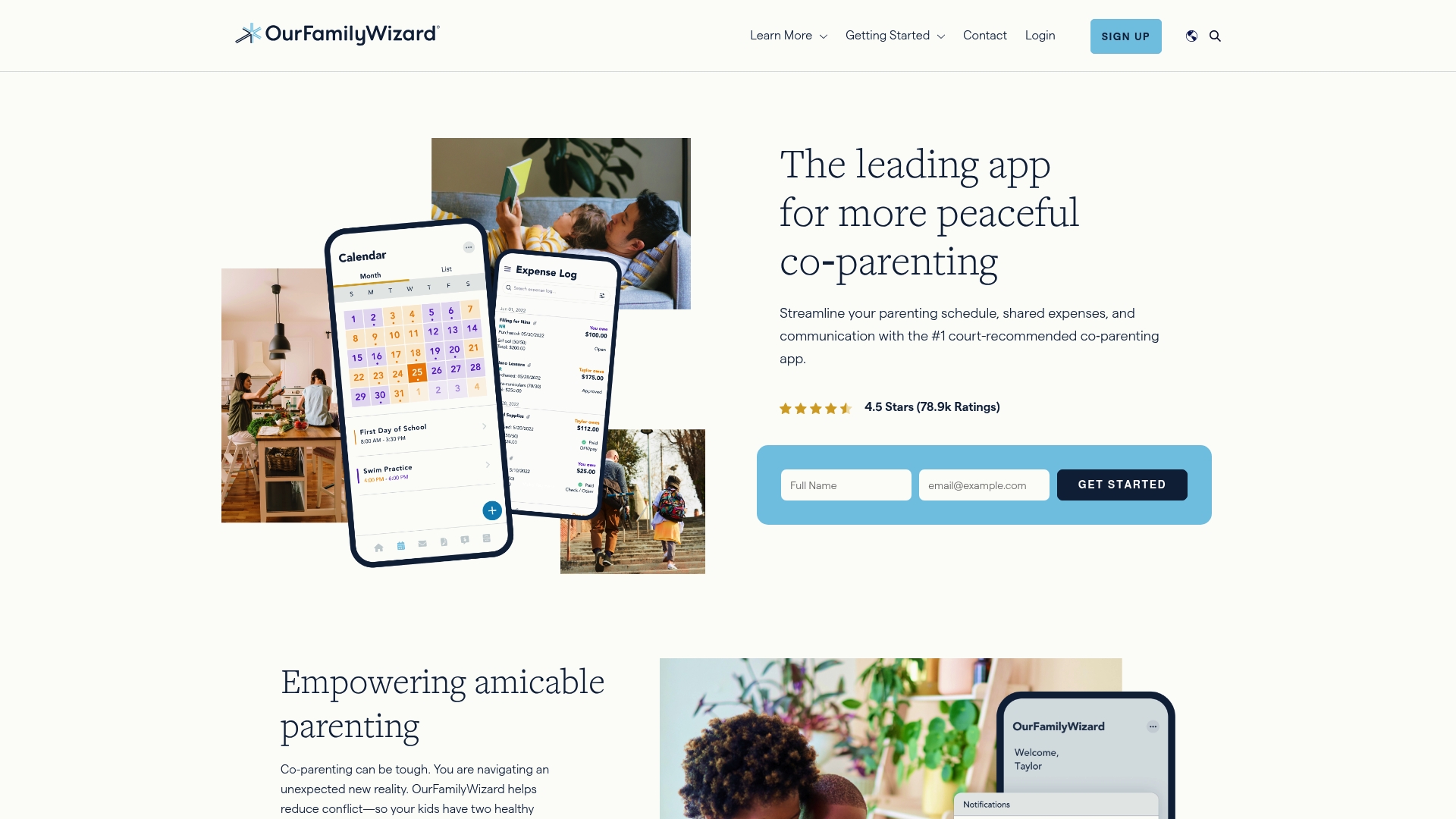
OurFamilyWizard's marketing materials state it is accepted by courts in all 50 states. The app records timestamped logs of messages, expenses, and schedule changes that courts can review. That record-keeping and the built-in communication tools target parents who need reliable, on-the-record documentation for custody matters.
Core Features
Controlled messaging creates an on-the-record conversation thread with alerts for late replies and documented requests. The shared calendar manages parenting schedules and time trades with real-time updates and reminders. Expense tracking, secure calls, and the Info Bank centralize health, school, and legal documents for each child.
Key Differentiator
According to the company, OurFamilyWizard offers court-recommended, tamper-proof records together with AI tools that promote calmer messages. Those elements make it practical for parents and practitioners who need admissible evidence and a way to reduce escalatory language. The combination of documentation and communication tools separates it from apps that only sync calendars.
Pros
Courts and legal professionals commonly accept the app, and that acceptance makes records easier to present in hearings. The system creates court-admissible, timestamped logs of requests, expenses, and schedule changes, which simplifies evidence gathering. Tools such as ToneMeter AI and a writing assistant help you craft measured responses and reduce conflict. The platform also offers secure calling, so parents can speak without sharing personal phone numbers.
Cons
- The cost may be a concern for some families, especially for those on a tight budget.
- The feature set can feel complex for less tech-savvy users during the first weeks of setup.
- Heavy reliance on internet access can limit usefulness in areas with poor connectivity.
When It May Not Fit
This product is primarily suited for parents, legal professionals, and courts rather than casual co-parents who only need a shared calendar. If you rarely need documented records or you lack reliable internet, the app may add overhead without matching benefits. Families that prefer in-person or paper tracking will likely find the digital workflow unnecessary.
Who It's For
Separated parents and guardians handling custody with frequent scheduling changes or contested communication benefit most. Family law professionals and mediators who require a single source of truth for dates and expenses will find the records useful. Courts that accept digital documentation gain clearer timelines and fewer he-said-she-said disputes.
Real World Use Case
A parent logs every pick-up time change and text request in the app so each entry includes a timestamp and message history. When a dispute reaches court, that parent exports the records to show missed transfers and unreimbursed expenses. The AI tone tool helped rephrase a heated message into a concise, factual request that the court later referenced.
Pricing
OurFamilyWizard uses a subscription-based model for individual families and professionals. Full pricing details are available on the website. Payment structure and any professional account options appear on the vendor site for current rates.
Website: https://ourfamilywizard.com
TalkingParents
At a Glance
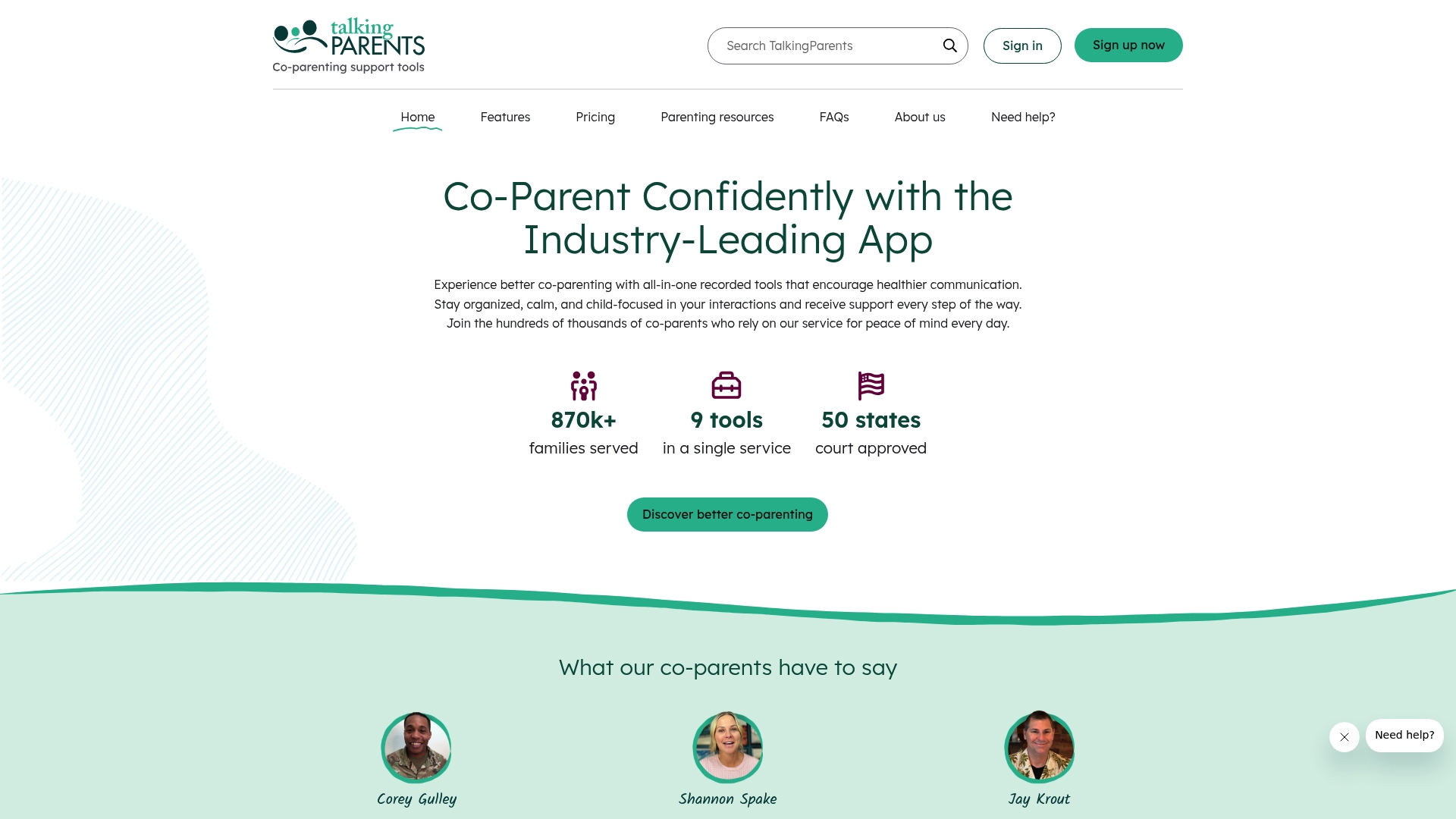
TalkingParents reports use by over 870,000 families across all 50 states. The service stores timestamped, unalterable records of messages, calls, schedules, expenses, and files that courts accept. That combined record keeping and communication set makes it a focused option for evidence minded co-parents.
Core Features
TalkingParents bundles nine tools into one app, including Unalterable Records, Secure Messaging, and Accountable Calling with transcription and timestamps. It also offers a shared calendar, accountable payments, vault file storage, a sentiment scanner with writing assist, and a private journal. Those features work together to keep exchanges documented, organized, and easy to export for legal use.
Key Differentiator
The platform centers on court accepted, tamper resistant documentation combined with several integrated tools. That one stop approach reduces the need to piece together transactions, messages, calendars, and files from separate apps. For people who need a single auditable trail, that record focus is the primary draw.
Pros
TalkingParents collects time stamped records that courts accept. That makes it practical for attorneys and parents who expect to reference messages or payment histories in hearings. The app covers communication, scheduling, expense tracking, and file storage in a single interface, which cuts down on app switching. Mobile apps and a clean interface make it usable for less technical parents and for busy schedules.
Cons
- Pricing can be a concern for budget sensitive families. Plans run from $7 to $32 per month.
- Free features are limited, so full functionality requires a paid subscription.
- The platform has few third party integrations compared with general productivity apps.
- Requires internet access and a compatible device for full functionality.
When It May Not Fit
If you want a free first line of communication with extensive third party integrations, this product may feel heavy. Families that only need occasional informal messaging will likely find the subscription model unnecessary. Teams or agencies that need deep API access or custom connectors should look elsewhere.
Who It's For
Parents and legal professionals who need a court trusted, auditable record of co-parenting interactions will get the most value. It suits separated parents with frequent scheduling changes, shared expenses, or those preparing documentation for family court. People seeking a light free messaging app will not find their needs met here.
Real World Use Case
A separated couple uses TalkingParents to log custody schedule changes, upload exchange receipts, and transcribe an accountable call after a dispute. The parents export the message history and payment log for their attorney when preparing for a custody review. That single exportable trail replaces chasing texts and email threads.
Pricing
Plans start at $7 and go to $32 per month. Annual billing options are available for lower effective rates, and a 30 day free trial lets families test the full feature set before committing.
Website: https://talkingparents.com
AppClose
At a Glance
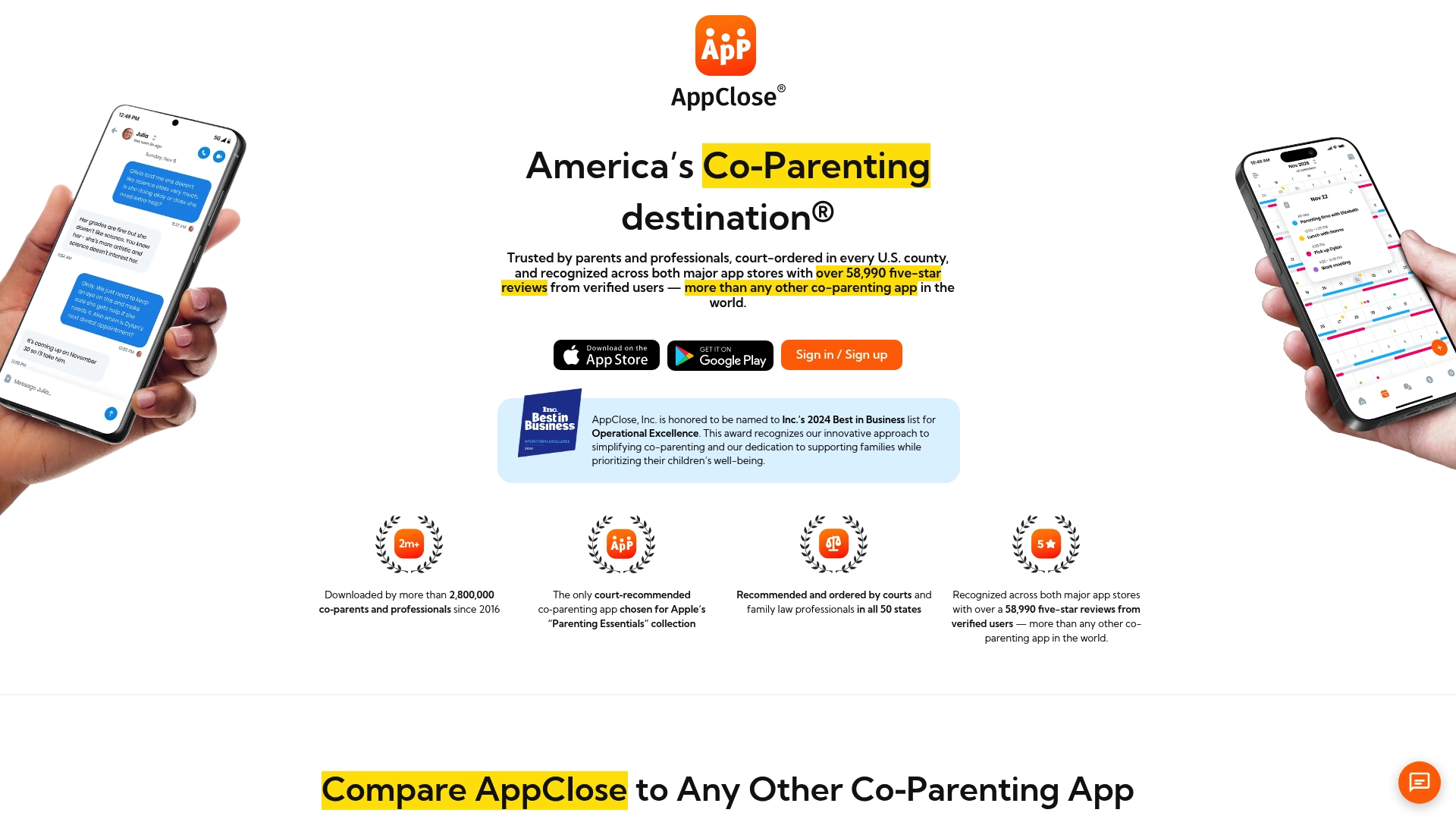
AppClose reports over 58,990 five-star reviews. The vendor says the app is court-ordered in every U.S. county. It combines secure messaging, shared calendars, expense tracking, and court-admissible records for co-parenting and legal workflows.
Core Features
AppClose records secure, court-worthy messages and call logs while storing those transcripts for export. The app includes shared calendars with custody templates, tools for tracking and paying child-related expenses, and document features for legal and court documentation. Family and professional circles let parents share medical, school, and attorney information without opening separate accounts.
Key Differentiator
AppClose's main distinction is its courtroom focus. The vendor claims court recognition across all U.S. counties and centers design choices on producing court-admissible records. That claim sets its product priorities toward audit trails and exportable evidence rather than casual scheduling.
Pros
The product emphasizes traceable communication and record keeping, which helps when you need evidence for hearings. It bundles scheduling, financial logs, and legal document tools into a single app, reducing the number of places you must search for a record. AppClose also advertises free accounts for those who qualify and military discounts, which can lower costs for eligible families.
Cons
- Trust in the record features depends on correct usage and consistent logging. Some buyers report initial skepticism about relying on the records.
- Pricing may deter some families despite a 60-day free trial and advertised fee waivers for qualifying users.
- The app's breadth of features can feel overwhelming if you only need a basic calendar or occasional message logging.
When It May Not Fit
If you only need a simple shared calendar and occasional messaging, this app may be overkill. Families unwilling to learn strict record-keeping practices will not get reliable court-ready archives. The app also assumes users will accept a workflow focused on documentation rather than casual chat.
Who It's For
Parents involved in court-ordered custody arrangements who need a single source of record for communication and expenses. Mediators, family law professionals, and guardians who require exportable logs will find the app aligned with their workflows. Families seeking minimal, informal tools will not be the intended audience.
Real World Use Case
A parent with a high-conflict custody case uses AppClose to log every exchange, attach receipts for expenses, and export a timeline for their attorney. The calendar enforces custody templates and reduces disputes about pick-up times. The exported records provide a clean packet when preparing for mediation or court.
Pricing
AppClose charges $7.99 per month when billed on the web and $8.99 per month on mobile, with all features included. The vendor advertises a 60-day free trial and fee waivers for qualifying households.
Website: https://appclose.com
BestInterest
At a Glance
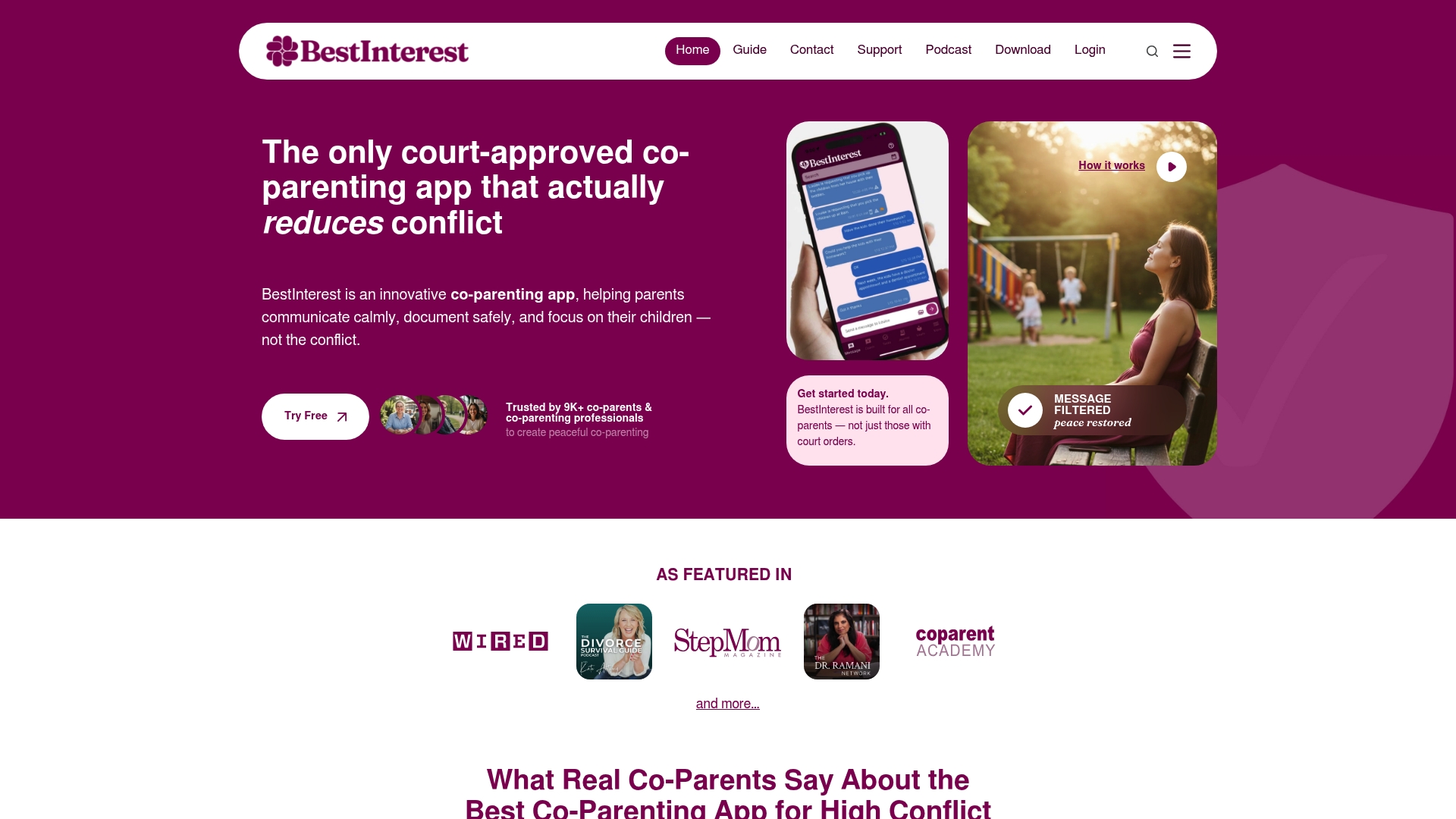
According to the company, BestInterest is court approved and includes AI message filtering that creates unalterable records for legal use. It also offers Solo Mode so a single parent can keep private records and log custody exchanges without the other parent. The app comes from a California team focused on reducing conflict and protecting mental health during family transitions.
Core Features
It uses Message Shield to filter abusive content and Tone Guardian to review drafts before you send. Solo Mode supports one-sided use while secure journaling, call recording, and a shared custody calendar build a court ready record. The app also includes expense tracking with receipt scanning, parenting plan review with AI help, and a privacy lock for sensitive content.
Key Differentiator
The vendor claims BestInterest uniquely combines proactive AI filtering and court ready documentation. It also adds Solo Mode so documentation and moderation work even if the other parent never joins. That mix targets legal and emotional needs simultaneously.
Pros
Automated moderation reduces direct exposure to abusive messages by filtering and intervening before you respond. Solo Mode lets one parent collect court ready records and continue custody scheduling even without cooperation. The app centralizes journaling, call transcripts, expense receipts, and a custody calendar so evidence is easier to present in mediation or court.
Cons
- AI moderation may feel intrusive or excessive in high conflict situations.
- Advanced features require a premium subscription, adding ongoing cost.
- Effectiveness depends on correct setup and steady use.
When It May Not Fit
If the other parent refuses to engage, moderation and documentation within the app will not capture their direct behavior outside the platform. Premium features require ongoing payment, so budgeting matters for long term legal documentation and therapist loop in. The app rewards consistent setup and steady use, so its benefits are smaller for people who try it sporadically.
Who It's For
Parents facing high conflict custody situations who need court ready records will find BestInterest relevant. Single parents who must document incidents without the other parent joining benefit from Solo Mode and message moderation. Families working with mediators or lawyers can use the log and transcripts to support legal steps.
Real World Use Case
A single mother with a high conflict ex used Message Shield and Solo Mode to filter abusive texts and keep private logs. She recorded calls and scanned receipts to build unalterable records for mediation. That documentation helped her legal team prepare custody exchange evidence without escalating contact.
Pricing
Core features are free at $0 per month. Premium plans range from $9.99 per month to $29.99 per month. The vendor advertises a 2 week free trial for higher level plans.
Website: https://bestinterest.app
Comparison of alternatives
ReplyCalmly distinguishes itself by combining reply drafting tools with incident detection and automated legal reporting capabilities. This integration offers parents a unified workflow to manage high-conflict custody communication effectively.
Moderation and Filtering Tools
BestInterest excels in moderation-focused scenarios due to its proactive AI features like Message Shield and Tone Guardian. These tools significantly reduce direct exposure to hostile communication while maintaining detailed logs for legal use. This makes BestInterest particularly favorable for single parents navigating conflict-heavy situations, especially without cooperation from the other party.
Adoption and Record Presentation
TalkingParents stands out for its focus on tamper-proof, court-accepted documentation. The service provides timestamped logs and auditable call transcriptions, ensuring reliability in legal contexts. Its bundled tools simplify evidence management, however, the subscription costs may be a consideration for economically sensitive families.
Best fit
- Families navigating high-conflict divorce or custody preparation, where ReplyCalmly’s automated report generation minimizes clerical overhead.
- Parents prioritizing tamper-resistant, auditable communication logs for court or mediation, making TalkingParents valuable.
- Users requiring proactive abuse filters when dealing with hostile co-parent behavior, benefiting from BestInterest’s AI moderation.
- Budget-conscious families seeking affordable legal documentation tools, complemented by AppClose’s fee waivers for qualifying households.
Our pick
ReplyCalmly is our choice for parents looking for an integrated communication and legal documentation tool. It uniquely combines reply drafting with automated incident detection and court factor mapping, streamlining case preparation workflows. For low-budget situations or specific use cases like conflict moderation or stand-alone record keeping, alternatives may prove more tailored.
Choosing the right co-parenting communication software ensures a balance between essential functionality and user accessibility.
| Product Name | Key Differentiator | Best For | Pricing | Notable Limitation |
|---|---|---|---|---|
| ReplyCalmly | Integrated response generation and legal reporting | High-conflict custody situations | Starting at $19/month | Relies on accurate user data entry |
| OurFamilyWizard | Court-recognized, tamper-proof reports | Separated parents handling custody | Price not published | Complex setup for less tech-savvy users |
| TalkingParents | Trusted unalterable record trails | Court-admissible documentation | $7–$32/month | Requires internet for functionality |
| AppClose | Court-recognized exportable records | Court-ordered custody interactions | $7.99–$8.99/month | Needs consistent record keeping |
| BestInterest | Solo Mode for single-parent use | High-conflict and single-parent situations | Free to $29.99/month | Effectiveness depends on active use |
Handling High-Conflict Co-Parenting Communication without Stress
Co-parenting during custody and family court situations can feel overwhelming when faced with hostile messages and the need for clear, court-appropriate replies. The key challenges are keeping communication calm, building a reliable record, and linking incidents to legal factors for your attorney’s review. Replycalmly offers a response generator that creates multiple calm, firm, and short reply options from each message. This tool supports parents involved in high-conflict custody disputes by easing emotional response and maintaining organized, court-ready documentation.

Explore how Replycalmly’s incident logging and pattern visualization tools help parents stay consistent and build a strong communication record. Visit Replycalmly to try generating court-safe responses and tracking incidents today.
FAQ
What capabilities do Replycalmly offer for co-parents dealing with difficult messages?
Replycalmly generates multiple court-safe reply styles from a single incoming message, including calm, firm, and short options. Its response generator creates tailored replies that are appropriate for high-conflict communications. Using this feature can help co-parents effectively respond without emotional escalation.
How does Replycalmly compare to OurFamilyWizard in terms of court acceptance and documentation?
OurFamilyWizard is known for its court acceptance and provides tamper-proof records, which simplifies evidence-gathering for custody disputes. Replycalmly, on the other hand, focuses more on generating calm replies and logging incidents, making it ideal for co-parents who want to draft court-appropriate responses while also documenting interactions for attorney review.
Which platform is best for tracking incidents and generating reports, Replycalmly or TalkingParents?
Replycalmly excels in automating incident detection and generates reports that link incidents to court factors for legal review. This integration within the same workflow enhances record-keeping for co-parents, making it a practical choice for those needing comprehensive documentation.
Can Replycalmly help with financial tracking in co-parenting?
Replycalmly includes financial tracking as part of its incident logging features, which helps ensure all relevant expenses and incidents are documented together. This functionality makes it easier for co-parents to manage finances while preparing for custody discussions or mediations.
How does the pricing of Replycalmly compare to that of AppClose?
Replycalmly starts at $19/month after a 3-day free trial, while AppClose charges $7.99 per month with full features included. Potential users should consider their specific needs; Replycalmly offers specialized incident logging and response generation, whereas AppClose targets a broader range of features.