
Finding co-parenting communication software that fits both legal needs and everyday schedules with minimal extra work frustrates many parents. Many options gate legal record tools and schedule automation behind complex pricing, required upgrades, or app-specific adoption by both parents. You can match alternatives on price, legal record strength, and scheduling tools to your own co-parenting situation.
Table of Contents
ReplyCalmly
At a Glance
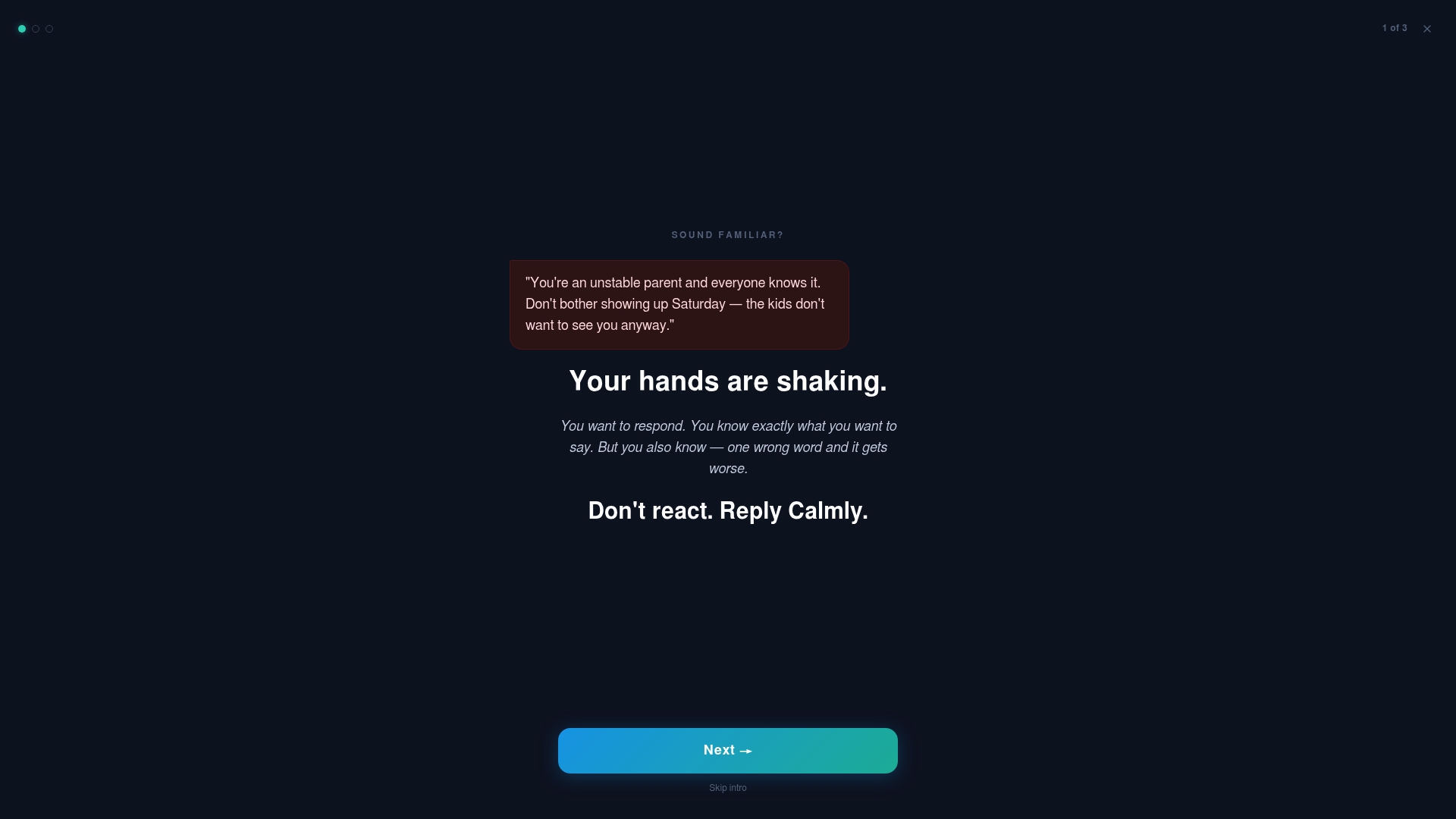
The proprietary AI response generator creates calm, firm, and short reply options for every incoming message. The system logs incidents with dates, message threads, and attached evidence while pattern detection groups recurring behaviors and produces visual summaries and automatic PDF reports. ReplyCalmly integrates with court mandated tools such as OurFamilyWizard and emphasizes privacy for legally sensitive communication.
Core Features
An AI response generator produces multiple tone options to help you reply without escalating conflict. Incident logging captures dates, message threads, categories such as custody conflicts or false accusations, and attached evidence for each entry. Pattern detection and dashboards turn recurring behaviors into visual summaries, and automatic PDF reports bundle incidents for legal review. The platform also includes financial tracking and child communication tools, and it integrates with court mandated systems to complement existing workflows.
Key Differentiator
Built specifically to help parents respond calmly and record incidents automatically for legal use. ReplyCalmly pairs its reply generator with structured incident categories so you do not assemble evidence manually. That combination makes it easier to show patterns and export court ready documentation in a single workflow.
Pros
The response writer helps you avoid emotional replies and keeps messages focused on custody and logistics. Structured incident logging organizes evidence so attorneys can review timelines without digging through threads. Pattern detection highlights recurring behaviors that often matter in custody disputes, and automatic PDF reports produce documentation formatted for mediation or court review. Basic messaging and child communication tools are available at no cost, letting you try core features before paying for full documentation.
Cons
- Best suited to high conflict cases and may be unnecessary for amicable co parenting.
Who It's For
Parents involved in high conflict co parenting, custody disputes, or upcoming court proceedings who need consistent, legally oriented records. People who want template replies that remain civil and court appropriate will find the platform useful. Those who only need casual scheduling or low conflict messaging will likely not need its full feature set.
Unique Value Proposition
The proprietary reply engine that produces three tone options and the incident tracker that auto bundles evidence into PDFs change how you prepare for court. Instead of exporting messages and screenshots manually, you get organized exhibits ready for an attorney. That workflow reduces time spent assembling records and makes pattern evidence easier to present in hearings.
Real World Use Case
A parent receives a hostile message and uses the reply tool to send a calm, short response. They attach screenshots and notes to a new incident, tag the category, and let the system track subsequent messages. When the parent meets their attorney, they export a court ready PDF showing the timeline and recurring issues.
Pricing
ReplyCalmly offers free access to the basic response generator and child communication tools. Full incident documentation, pattern detection, and report generation require a subscription at $19/month. The free tier lets you test core messaging features before committing to the paid plan.
Website: https://replycalmly.com
AppClose
At a Glance
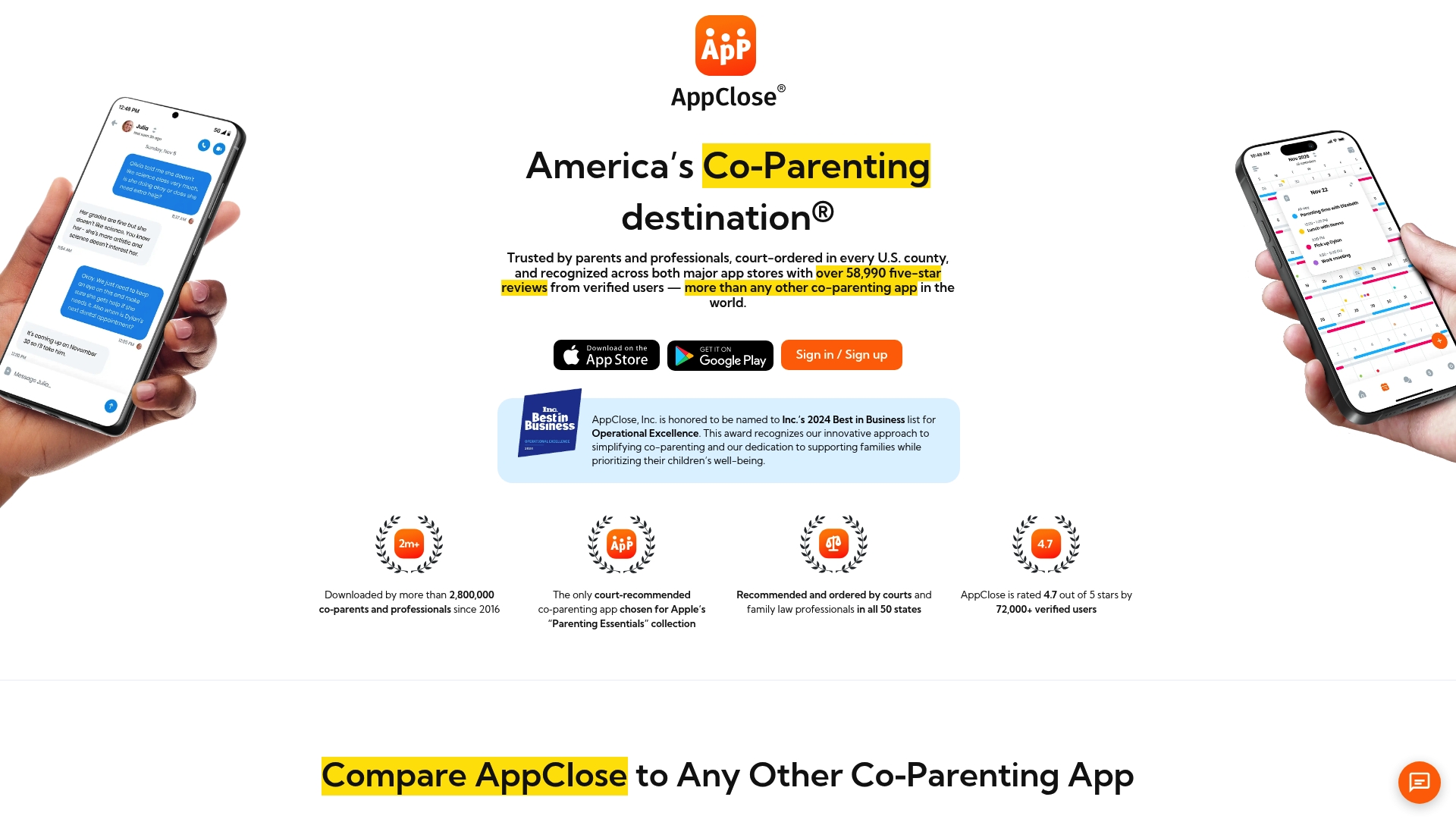
AppClose reports more than 2.8 million downloads since 2016 and claims over 58,990 five-star reviews, with a 4.7 out of 5 rating in its marketing materials. The vendor also advertises court recommendations and wide adoption among family law professionals. That reach makes AppClose worth considering when you need documented, court ready communication and records.
Core Features
AppClose combines secure messaging, shared custody calendars, expense tracking, and legally exportable records into a single app. It includes real time encrypted messaging, audio and video calls with recording and transcription, request management for schedules and expenses, and certified electronic business records with automatic time stamped logging. The app also offers an AI guided review tool called Co-Parent Assist™ to help you draft and review messages before sending.
Key Differentiator
The vendor states AppClose provides court ordered and court admissible records across the United States, and it emphasizes tamper proof, time stamped exports for legal use. That positioning targets parents and attorneys who need evidence grade documentation rather than casual coordination. For cases that require records you can present in court this feature is the primary reason to choose AppClose.
Pros
AppClose groups legal grade communication, calendar management, and expense tracking in one place, which reduces the number of separate tools you must manage. Those figures and endorsements suggest broad adoption by courts and family law professionals. The app also offers fee waivers and discounts for people in need and for military families, which helps with affordability in higher conflict situations.
Cons
-
Some third party reviews point to friction in very high conflict cases, which suggests extra support may be required.
-
The app’s feature set can feel complex for people who want simple, informal coordination only.
-
Cost may be prohibitive for some households, though the vendor advertises waivers and discounts.
-
Learning the legal export workflows takes time for people unfamiliar with court records.
When It May Not Fit
AppClose is not a good match if you want lightweight, casual coparenting tools without any legal record keeping. It may also be a poor fit where courts do not specify electronic record formats, since some workflows assume compliance with orders. Finally, families that prefer verbal coordination or third party mediation only will find many features unnecessary and possibly restrictive.
Who It's For
Parents involved in court ordered or high conflict coparenting arrangements will get the most value from AppClose. Family law attorneys and agencies that monitor client communications will benefit from the certified records and export options. Military families and households needing documented expense tracking are also a clear fit.
Real World Use Case
A high conflict divorced parent uses AppClose to log custody exchanges, send time stamped requests for pickup times, and track shared expenses. They record a missed exchange and export the time stamped transcript for their attorney. The exported records support a motion by documenting attempts at communication and dates of noncompliance.
Pricing
Web subscriptions begin at $7.99 per month. The vendor lists app store pricing at $8.99 per month and offers a free trial. Fee waivers and discounts are available for qualifying people and military families.
Website: https://appclose.com
OurFamilyWizard
At a Glance
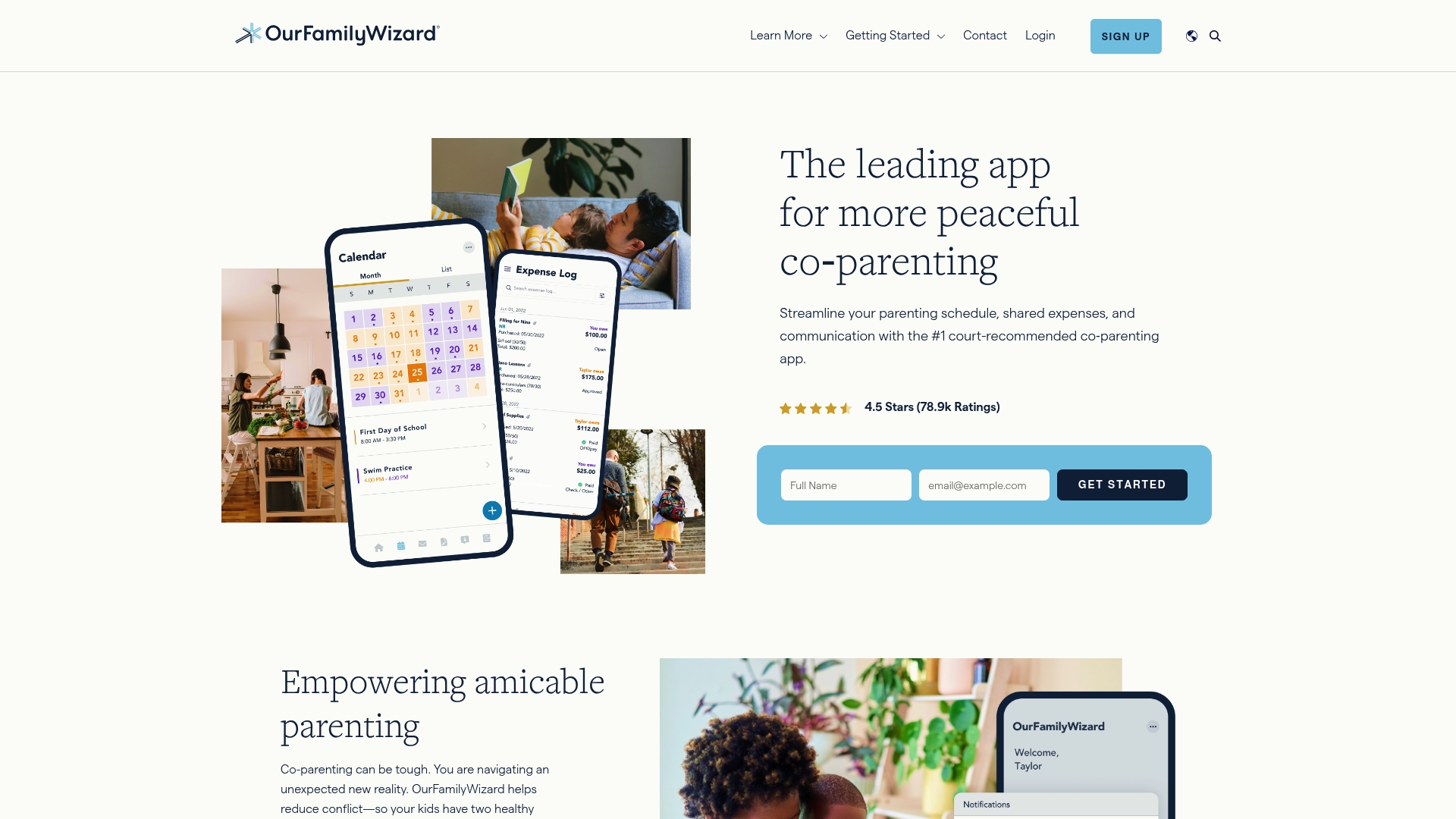
OurFamilyWizard reports more than 1 million parents and professionals using the app. The vendor advertises acceptance by courts across all 50 states. The company also advertises a tamper-proof, court-admissible record of co-parenting interactions dating back to 2001.
Core Features
Controlled messaging organizes conversations into on the record threads so messages stay documented. A shared calendar and trade tools let parents manage schedules, swaps, and custody changes in one place. The app also includes expense tracking, secure calls, and an Info Bank for storing emergency details and important documents.
Key Differentiator
That court record claim is the platform's defining asset. Courts and legal professionals use those time stamped records when verifying exchanges and expenses. The system focuses on producing a reliable, dated trail of interaction that aims to hold up under scrutiny.
Pros
The app groups communication, scheduling, and money tracking into a single app, which reduces the need for separate spreadsheets or email threads. That court acceptance claim gives legal professionals a clear reason to recommend the service for contested cases. The platform supports practitioners, parents, and family therapists with tools designed specifically for co parenting workflows.
Cons
- The interface can feel complex for people who prefer casual text messaging.
- Most features sit behind paid tiers, so free access is limited.
- Pricing varies by subscription level, which can overwhelm people choosing a plan.
- The product requires both parents to activate accounts to get full value.
When It May Not Fit
If you and the other parent will not commit to using the same app, this product will not deliver full value. Families looking only for free basic messaging will find this option expensive. Small budgets and short term experiments are better served by free tools or court ordered portals with no subscription fees.
Who It's For
Parents, legal professionals, and family therapists who need a documented, on the record way to manage custody schedules, exchanges, and expenses. It fits people who expect court involvement or who want a persistent, time stamped log of interactions. It also suits practitioners who must monitor client communication for case work.
Real World Use Case
A divorced parent uses OurFamilyWizard to publish the monthly custody calendar and log exchange times. They add receipts for shared expenses into the expense tool and keep messages on the record. When a dispute escalates, the parent exports time stamped logs for their attorney and the court.
Pricing
Plans start at $9.17+/month for basic access, with Essentials, Premium, and Max subscription options. The vendor lists higher tiers roughly between $11.50 and $22.99/month, billed annually or biennially. Discounts exist for military families and through scholarship programs.
Website: https://ourfamilywizard.com
Our Days Calendar
At a Glance
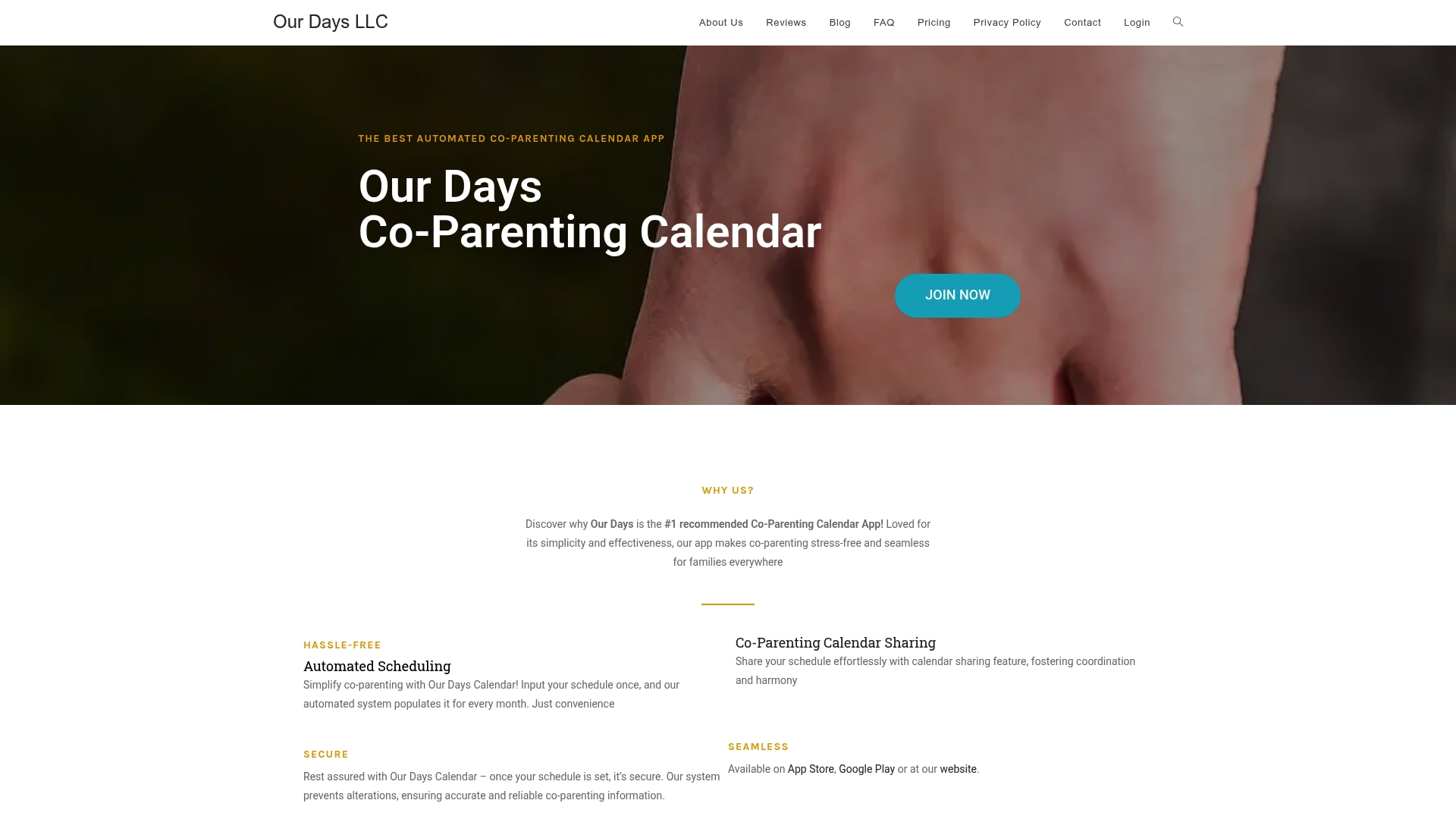
Automatic schedule generation fills shared custody calendars, so you do not recreate repeating patterns manually. The app also offers secure, read-only schedule protection and mobile apps for iOS and Android. Our Days Calendar aims for simple scheduling that reduces manual entry and last-minute conflicts.
Core Features
Automatic scheduling populates custody patterns and holiday rotations so recurring events appear without repeated input. Shared calendars let co-parents and extended family view plans, while permissions keep entries protected from unauthorized edits. The app runs on iOS and Android and syncs with Google Calendar for greater flexibility across devices.
Key Differentiator
The clearest distinction is automatic schedule generation that handles typical custody rhythms and holidays. That automation reduces manual planning for common custody patterns and lowers the chance of human error. For straightforward split custody arrangements, that feature saves time on routine schedule setup.
Pros
Automation simplifies repeating custody schedules and reduces manual setup for weekly and holiday patterns. Mobile app support and calendar sharing improve day to day visibility for both parents and relatives. The system protects calendars from unwanted edits, and plans are affordable with a free trial available.
Cons
-
Limited customization options for custody agreements that require extensive, nonstandard rules. Some complex arrangements will need manual work outside the app.
-
Missing advanced scheduling features such as multiple weekend setups that some families require. Several user reports mention that constraint.
-
The system depends on both parents actively sharing and updating the calendar. That reliance can be a weak point in high conflict situations.
When It May Not Fit
Families with custody agreements that include many conditional rules will find the app restrictive. If one parent will not participate in shared scheduling the tool will not track unilateral changes. Legal teams needing highly detailed, case specific scheduling logic may require a different solution.
Notable Integrations
Our Days syncs with Google Calendar so events appear alongside other family or work calendars. That connection makes it easier to view custody events in the same calendar you already use. No other integrations are listed.
Who It's For
Parents who want a low effort way to publish repeating custody schedules and holidays will benefit most. It fits separated or divorced parents who can agree to use a shared calendar and value automation over deep customization. Family therapists and legal professionals can use it to monitor consistency when schedules are standard.
Real World Use Case
A divorced couple sets up a weekly custody rotation and holiday matrix once, then lets the app populate future dates automatically. Both parents sync the calendar to their phones and to Google Calendar, which cuts down on last minute messages. The shared view reduces confusion about who has the children on extended weekends.
Pricing
Plans start at $4.99 per month. The vendor offers yearly and multi year plans with discounts and a free trial to test the app before subscribing.
Website: https://ourdayscalendar.com
Comparison of alternatives
Parents navigating co-parenting relationships have access to multiple tools tailored for communication, scheduling, and documentation to enhance efficiency and reduce conflicts. After reviewing key options, each platform demonstrates strengths suited to varied family dynamics and legal needs.
Incident and documentation workflows
ReplyCalmly excels in providing a streamlined interface for automating message replies and logging incidents categorically with associated evidence. The ability to export time-stamped PDF reports prepared for legal contexts eases the burden on parents during custody disputes. By contrast, AppClose also supports incident logging but requires manual coordination for organizing records. Additionally, OurFamilyWizard integrates scheduling, communication, and transaction tracking but sacrifices automation in incident preparation. The Our Days Calendar prioritizes scheduling automation but does not offer detailed incident tracking capabilities.
Scheduling and expense management
Families prioritizing automated tracking for custody schedules generally benefit from the features Our Days Calendar offers, including sync options with existing tools such as Google Calendar. AppClose’s functionality maintains a focus on expense tracking through court-admissible formats. In comparison, ReplyCalmly integrates financial tracking but emphasizes a documentation-first approach. OurFamilyWizard strikes a balance by incorporating expense management with multi-user transactions and family scheduling functionality.
Best fit
- Parents requiring automated incident documentation with reporting features for legal or custody cases.
- Families emphasizing scheduling automation with straightforward workflows for shared custody.
- Households valuing certified expense records integrated with real-time communication options.
- Therapists or legal practitioners supervising co-parenting engagements for compliance or coordination documentation.
Our pick
ReplyCalmly, with its automated incident tracking that includes export-ready legal documentation alongside intuitive AI-assisted communication, stands out as the recommendation for parents navigating high-conflict communications and custody complications. For those seeking other functionalities, such as expense-focused or simpler scheduling solutions, platforms like AppClose and Our Days Calendar serve as reliable alternatives depending on specific circumstances.
The following table helps compare tools for co-parenting communication based on their features and pricing.
| Tool | Core Feature | Key Differentiator | Pricing | Limitations |
|---|---|---|---|---|
| Replycalmly | AI response generator and incident log | Designed for conflict reduction with court-ready incident documentation | Free basic; $19/month | Most useful for high conflict situations |
| AppClose | Comprehensive co-parenting tools | Tamper-proof legal record generation and broad court recommendations | $7.99–$8.99/month | Setup complexity may deter informal use |
| OurFamilyWizard | Court-accepted records and scheduling | Trusted interaction logs with tamper-proof records | $9.17+/month | Requires participation from both parents for full benefit |
| Our Days Calendar | Automated custody schedule creation | Simplifies recurring calendar events | $4.99+/month | Limited support for complex customization and high conflict environments |
Handling High-Conflict Co-Parenting Communication with Confidence
Co-parenting disputes often lead to stressful exchanges that make it hard to stay calm and organized. The article highlights the importance of managing communication with tools that offer clear, court-appropriate responses and document key interactions. Replycalmly meets these challenges by generating calm, firm, and concise reply options tailored for custody disputes. It also automatically logs incidents, categorizes issues, and visualizes recurring behaviors to help parents build a legally useful record without extra effort.
If you face high conflict or upcoming legal proceedings, Replycalmly supports you by simplifying tough conversations while tracking every message securely. Visit ReplyCalmly.com to try the free response generator and see how automatic incident logging can prepare you for mediation or court with confidence.
FAQ
How does ReplyCalmly help parents manage conflict in custody cases?
ReplyCalmly generates calm, firm, and short reply options for messages, keeping communication focused and less emotional. This is particularly useful for managing custody and logistics effectively, helping parents avoid escalation in tense situations. Parents should consider using ReplyCalmly to stay composed in challenging interactions.
What is the difference between AppClose and ReplyCalmly?
AppClose provides secure messaging with court admissible records and is ideal for parents needing legal-grade documentation. ReplyCalmly focuses on helping parents respond calmly while automatically logging incidents for legal review. Those needing comprehensive court-ready records may find AppClose beneficial, while parents seeking a quick, structured reply tool will prefer ReplyCalmly.
Which platform offers automatic incident logging features?
ReplyCalmly automatically logs incidents, capturing dates, message threads, and evidence for each entry, making it easier for parents to track interactions. This functionality is crucial for maintaining a detailed record for legal purposes. Users seeking efficient documentation should explore ReplyCalmly's incident logging capabilities.
Can I use ReplyCalmly if my parenting situation is not high conflict?
ReplyCalmly is best suited for high conflict cases, but parents in less contentious relationships can still gain benefits from its structured reply options and incident tracking. Those in amicable situations may find it less necessary, yet it provides a helpful tool for maintaining organized communication.
How much does ReplyCalmly's full feature set cost?
ReplyCalmly's full incident documentation and automatic report generation require a subscription priced at $19 per month. This allows parents to access essential tools for keeping their communication organized and legally sound. Families should weigh this cost against the benefits of having detailed records for potential court proceedings.